
What OpenBot is: persistent agents on your own computer
The local desktop workspace connects to provider tools you already use. Its $0 app price, noncommercial license and local access deserve a close read.
OpenBot’s site states the $0 app price. Its repository documents the noncommercial license and full-local-access security decision. No hands-on installation was performed.
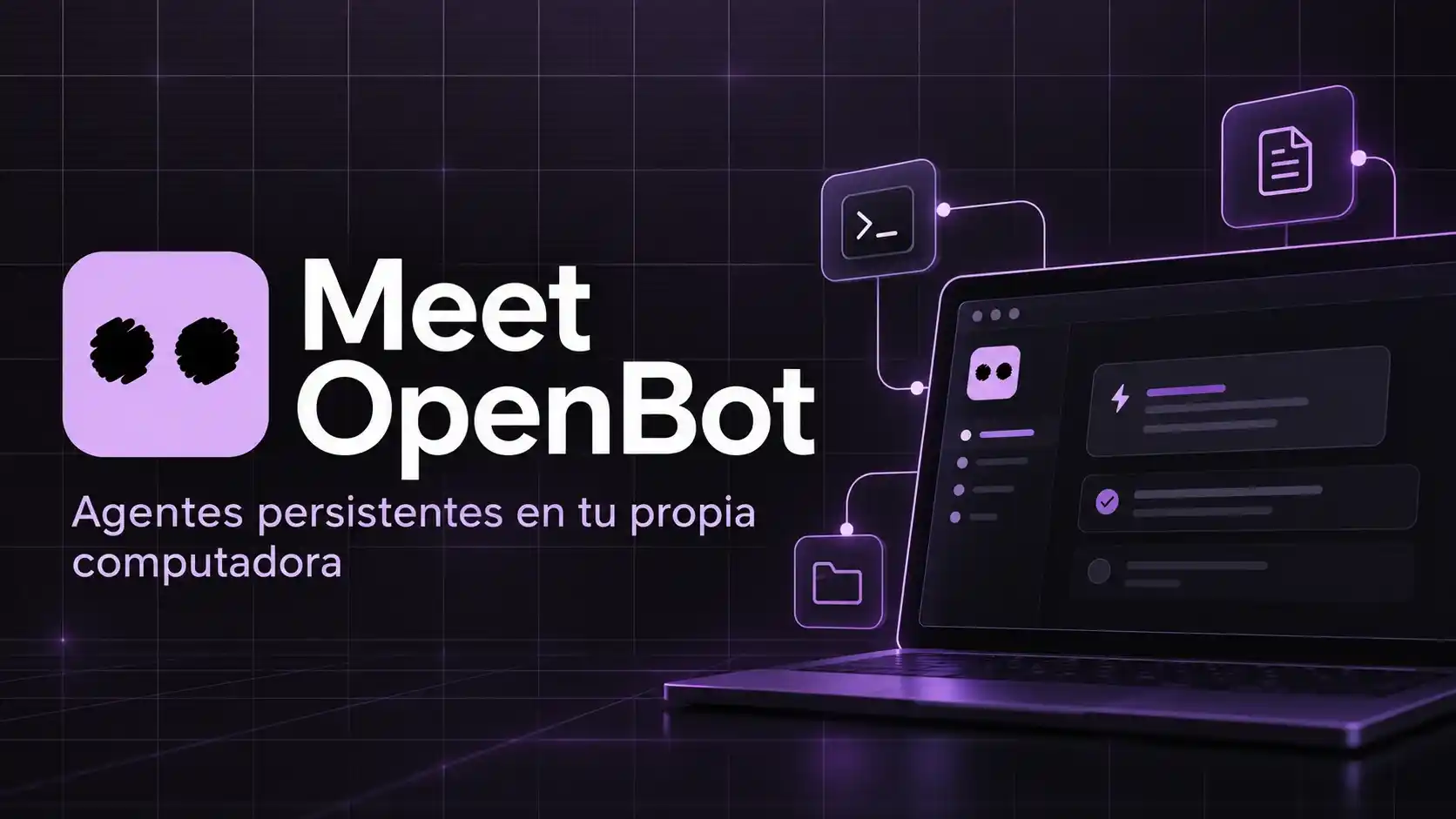
The page in the screenshot is openbot.run. The headline is the product:
Persistent AI teammates on your own computer. Run Codex, Claude, Gemini and Grok with the plans you already pay for, or your own model.
macOS, Windows and Linux. Price on the site: $0. “No hidden fees. No locked features.” The agents spend the subscriptions you already bought — ChatGPT/Codex, Claude, Gemini, Grok — or a model you host.
That is the whole pitch. The rest of this note is what sits under it: where the work actually runs, who ships the code, which other “OpenBot” you should ignore, and the access warning in the repo that the marketing homepage does not put in 72-point type.
The short version
OpenBot is a desktop workspace for several named agents that keep their own conversation and files on the machine that hosts the app. It is not a new foundation model. It is not Grok Bot. It is not Manus or Cue. It is not Claude Cowork.
Think of it as a local control room. Each agent is a persistent session wired to a provider tool you already use (Codex App Server, Claude Code, Grok CLI, Gemini / OpenCode over ACP, or a custom OpenAI-compatible endpoint). They can message each other, sit in a shared channel with one task owner, queue work, and drive an embedded browser.
The source-available repo is github.com/nightly-labs/openbot. Copyright 2026 Norbert Bodziony. The site points at that repo. License today: PolyForm Noncommercial 1.0.0 — personal and other permitted noncommercial use; commercial use needs a separate license. Builds through 0.1.11 stayed on Apache-2.0.
Local-first is not offline
OpenBot’s own comparison page is clearer than the hero:
Local-first is not offline: an agent that uses a hosted provider still sends its requests to that provider.
Workspaces, chats, attachments and browser data live in a SQLite database on the host computer. OpenBot says there is no copy on their side. Optional accounts use a one-time email code; that account API runs on Cloudflare Workers and D1. You can use the app without an account for noncommercial use.
What that split means in practice:
- Close the laptop and a Claude or Codex agent stops, because the host is gone. Grok Bot’s pitch is the opposite: a cloud computer that keeps going.
- The prompt still leaves the building if the model is Claude, GPT, Gemini or Grok. “On your computer” is about the workspace, not about hiding tokens from Anthropic or OpenAI.
- A truly local model (Ollama, LM Studio, a custom endpoint) is the only path that keeps both the files and the weights at home.
What the repo says works
From the project README, not from a press recap:
- Create and edit agents from a prompt, with instructions, avatar and a review step, on desktop and mobile.
- One workspace and conversation per agent, backed by a separate Codex / Claude / Grok / OpenCode / Gemini session.
- Custom OpenAI-compatible endpoints and custom ACP agents; detection of local servers (Ollama, LM Studio).
- Context compaction before a long thread blows the window.
- FIFO queues with pause, resume, cancel, crash-safe persistence.
- Agent-to-agent messages, replies, reactions, images, file transfers.
- Shared desktop channels: one task owner, delegation, Stop / Resume / Reassign / Archive / Restore.
- Embedded browser the agents can open and control.
- Optional Computer Use on macOS, Windows and Linux via a
cua-driverchild process. - Changelog through late September 2026 (0.23.x and after) adds plan-as-task-list in chat, agent-creates-agent with inherited access limits, and a hard cap of three active members per host (owner + two).
Known holes the README lists: no voice prompts or remote desktop on Linux; Gemini agents stay on that computer and are invisible to teammates; older OpenCode clients miss remote agents.
The warning that belongs next to “Download for Windows”
The homepage sells freedom. The repo sells the cost of that freedom.
Full local access is an explicit current product decision, not a security boundary.
Do not start it with --no-sandbox. That flag removes the line between the renderer and the rest of the machine.
Older README copies of this project were even blunter: development preview, agents running with danger-full-access and approvalPolicy: never. Treat any current build as a contractor with a chair in your office until you have read the Security notes for that version. Keep it off production secrets, off the only copy of a repo, off a machine that is also the family NAS.
That is the honest difference with a hosted agent (Manus, Grok Bot, Claude in the cloud): those products take the blast radius into someone else’s datacenter and wrap it in their policy. OpenBot takes the blast radius home.
OpenBot vs the products it compares itself with
openbot.run/compare frames the app as a local alternative to Devin, Claude Cowork, Manus, OpenClaw, Hermes, Muse and Grok Bot. The comparison that matches the screenshot is OpenBot vs Grok Bot.
OpenBot / Grok Bot (as OpenBot describes it)
- Where the agent runs; OpenBot: The computer that hosts the app; Grok Bot (as OpenBot describes it): A persistent cloud computer (Cursor, US)
- Who picks the model; OpenBot: You: Codex, Claude Code, Gemini, Grok CLI, OpenCode, your endpoint; Grok Bot (as OpenBot describes it): Managed inside the service
- What you already pay; OpenBot: The provider plan you already have; Grok Bot (as OpenBot describes it): A Cursor / SuperGrok-style plan
- If you close the lid; OpenBot: Work stops; Grok Bot (as OpenBot describes it): Work can continue
- Where files live; OpenBot: SQLite on the host; Grok Bot (as OpenBot describes it): Cloud storage (privacy mode ≠ local)
Versus Manus / Cue, the split is the same shape we already used in the Observatorio notes on Manus 2.0 and Manus and Cue: those products sell a hosted agent with an identity and a cloud computer you purchase. OpenBot sells a local desk that plugs into four vendor CLIs.
None of those comparison pages is a third-party test. They are positioning.
Name collisions
“OpenBot” is a crowded label. This article is only:
- https://openbot.run
- https://github.com/nightly-labs/openbot
Other GitHub projects reuse the name for self-hosted bot platforms or Windows “Open Bot” shells. They are not this binary. Cue (cue.im) is Manus’s personal-agent app. Neither is OpenBot.
Who should bother installing it
Worth a look if you already pay for two or more of Codex, Claude Code, Gemini and Grok, you want them in one window with names and a shared channel, and you accept that the host machine must stay on.
Skip it — or keep it in a VM — if you need the job to survive a closed laptop, if you need a commercial license and have not bought one, or if you are not willing to give a preview agent local access.
Sonnet 5.5 from the other note today is relevant only as one of the models an OpenBot Claude agent can call. OpenBot does not make Sonnet cheaper; it just sits in front of the plan you already have.
Frequently asked questions
Is OpenBot a model? No. It is a desktop workspace that talks to models and CLIs you configure.
Is it free? The app is $0 on the site. Inference is not. Claude tokens still bill Anthropic. Noncommercial license on current source; commercial use is a separate conversation with the copyright owner.
Is it affiliated with xAI or Anthropic? The project presents itself as independent. The compare pages even sell it as a Grok Bot alternative. Using Grok CLI or Claude Code does not make those labs vendors of OpenBot.
Can I run it without an OpenBot account? Yes, according to their Grok Bot comparison page, for noncommercial use.
Takeaway
OpenBot is a local switchboard for agents you already pay for. The files stay on the host; the tokens still go to the provider; the machine has to stay awake; full local access is currently a product choice, not a wall. Download it only if that sentence is acceptable.