
HyperFrames Studio on Windows: download and local agent
HyperFrames Studio offers a 64-bit Intel/AMD Windows installer. Download it, edit with a local agent and understand the separate usage costs.
Checked on 26 October 2026 against the linked official sources. Prices and access can change; evaluation results are attributed to the vendor.
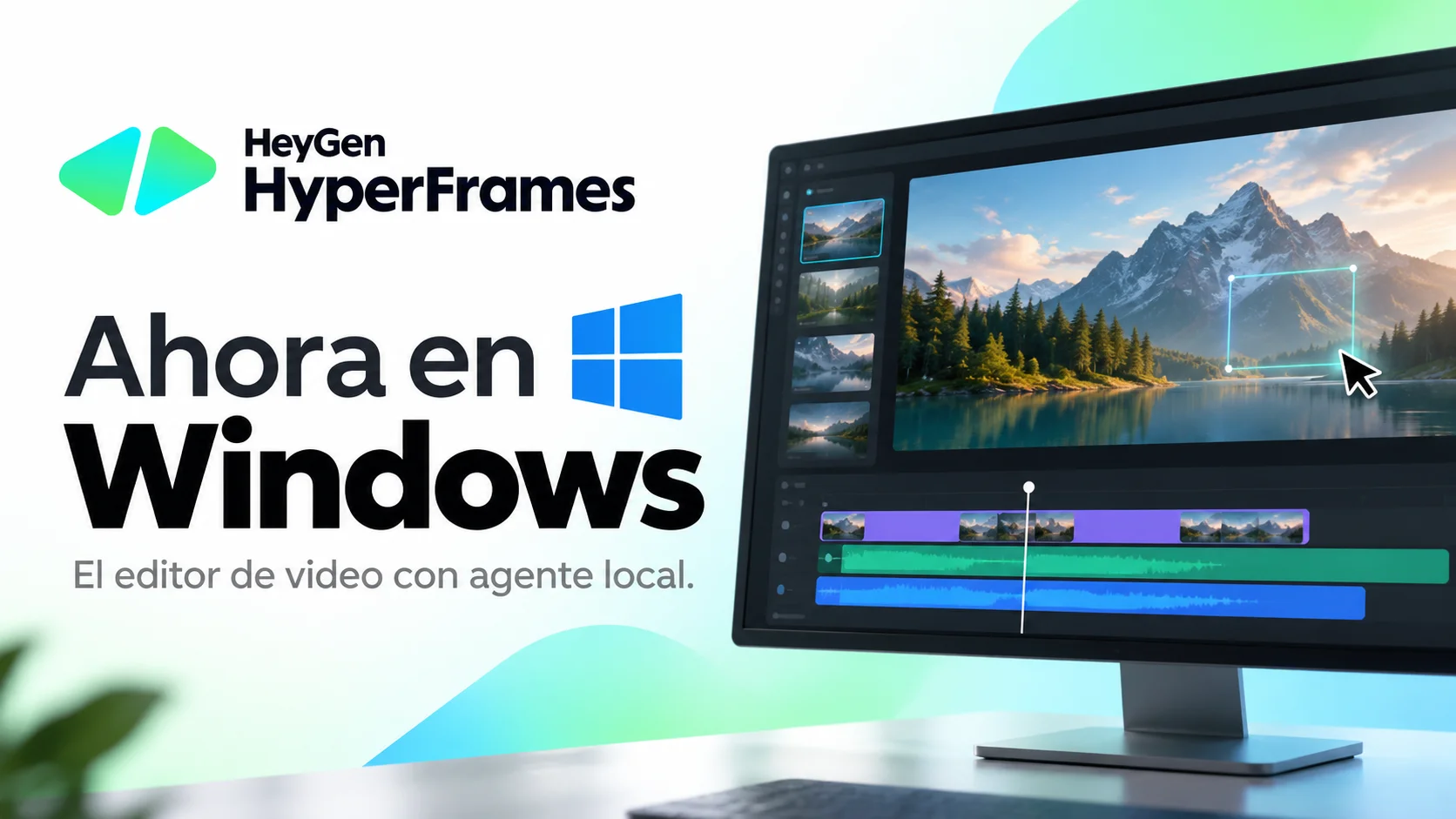
Direct answer: HyperFrames Studio is available for Windows as of 26 October 2026. HeyGen’s free desktop video editor runs an agent on your computer. Download the Windows installer from the official Studio page.
HyperFrames is HeyGen’s Apache-2.0 framework for turning HTML, CSS and JavaScript compositions into video. Studio adds a desktop workspace where you describe a video, let an agent build it and refine the same project through frame comments, drawing and written requests.
Windows support and requirements
The current installation guide supports 64-bit Intel and AMD Windows computers. Windows on Arm is not available yet. The download is named Install-HyperFrames.exe; the guide identifies HeyGen as the publisher.
The official installation guide now includes Windows installation steps. Check that guide for current platform support and the first-launch sign-in process.
What the free app includes
Sign in with a free HeyGen account. Your chosen agent uses its own Claude, ChatGPT/Codex or OpenCode setup. Agent-plan costs are separate from the editor. HeyGen credits are used when you request generated media such as avatars, clips or HeyGen voices.
The desktop workflow keeps the project on your machine and lets you and the agent work on the same timeline. Local project files do not mean every external AI or media request runs offline.
Download and make a first video
- Open the official Studio download page and select Windows.
- Run the installer and check that the publisher is HeyGen.
- Open HyperFrames and sign in with your HeyGen account.
- Describe the video in Make something, or start with Reference or Script.
- Review the composition and refine it through comments, drawing or written changes.
- Export the finished video and keep the local project files for later edits.
The open-source framework can also be used from the CLI. For the broader editing workflow, see the introduction to HyperFrames Studio.
What to expect from the workflow
This is an agent-driven composition editor. The composition remains readable project files rather than a single one-click generation result. Generated media can be requested separately; it has its own provider and credit costs. Preview the timing, text and media before exporting.
Frequently asked questions
Is HyperFrames Studio available for Windows? Yes. The official download page and installation guide support 64-bit Intel and AMD Windows computers as checked on 26 October 2026.
Does it work on Windows ARM? Not yet. The official guide lists Windows on Arm as unavailable.
Is the app free? Yes. The editor is free with a HeyGen account. Agent usage and requested HeyGen-generated media have separate usage conditions and costs.
Do I need to write code? You can describe and refine the video through the editor. The underlying HTML, CSS and JavaScript project remains available if you want to edit code.