HyperFrames Studio: edit video with AI agents on a shared timeline
HyperFrames introduced Studio on October 5: a free editor where you and an AI agent work on the same HTML video project. Explore editing, rendering, platform support and the Apache 2.0 framework.
View the original post ↓Official launch and free-app posts checked through X’s public embed data. Documentation, desktop downloads, license and release v0.8.134 were checked with HeyGen’s official resources.
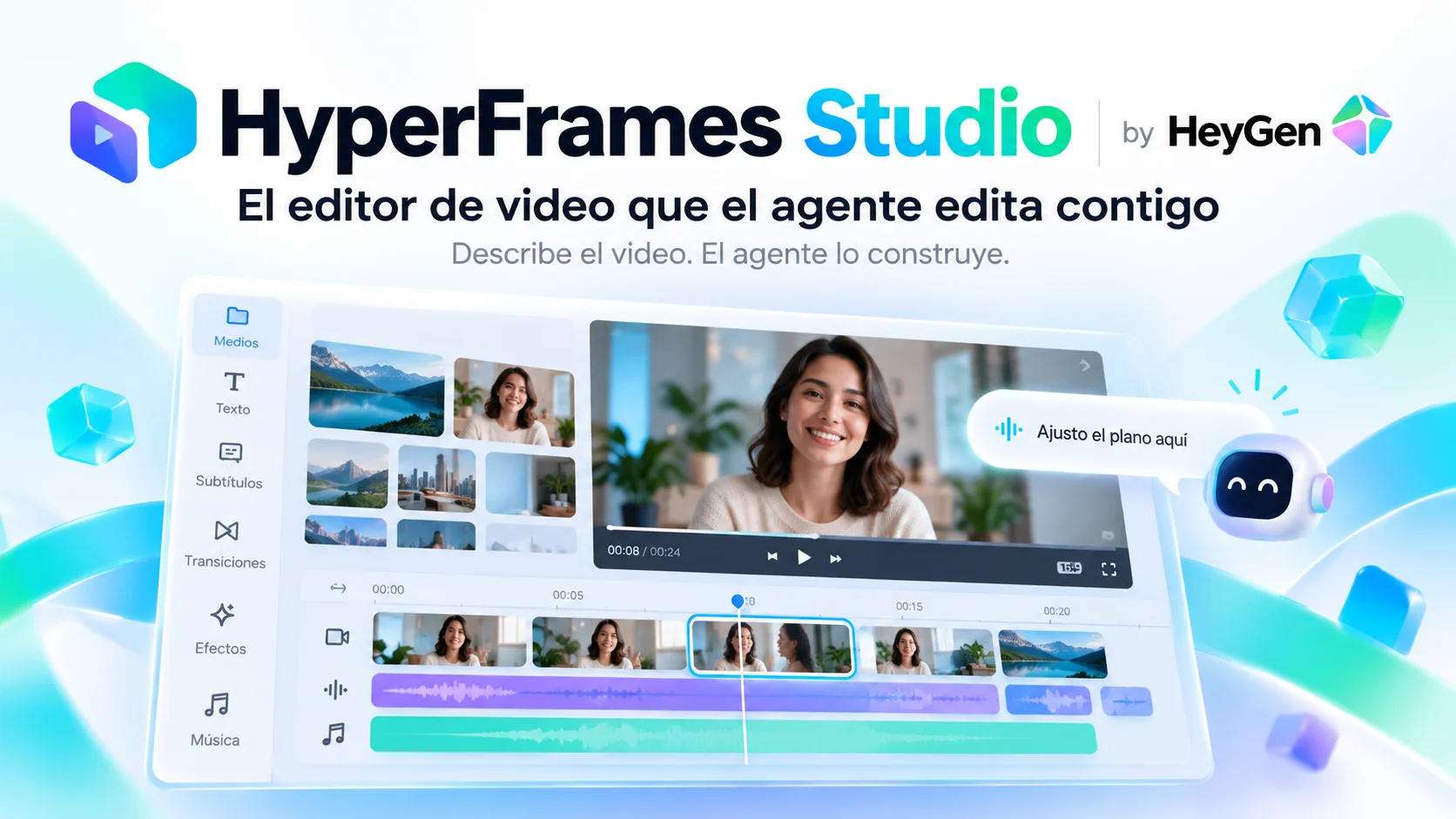
On 5 October 2026 HyperFrames introduced Studio, a video editor built for agents. The official post says you describe the video, the agent builds it, and then both of you work on the same timeline. Draw or comment on a frame, and it makes the edit. A follow-up from the same account, about an hour later, says it is completely free. [1] [2]
The account is @HyperFrames_. Its bio says the project was originated and open-sourced by HeyGen. The framework repo is heygen-com/hyperframes. Studio is the editor on top of that framework, not a second video format. [3] [4]
The project is HTML
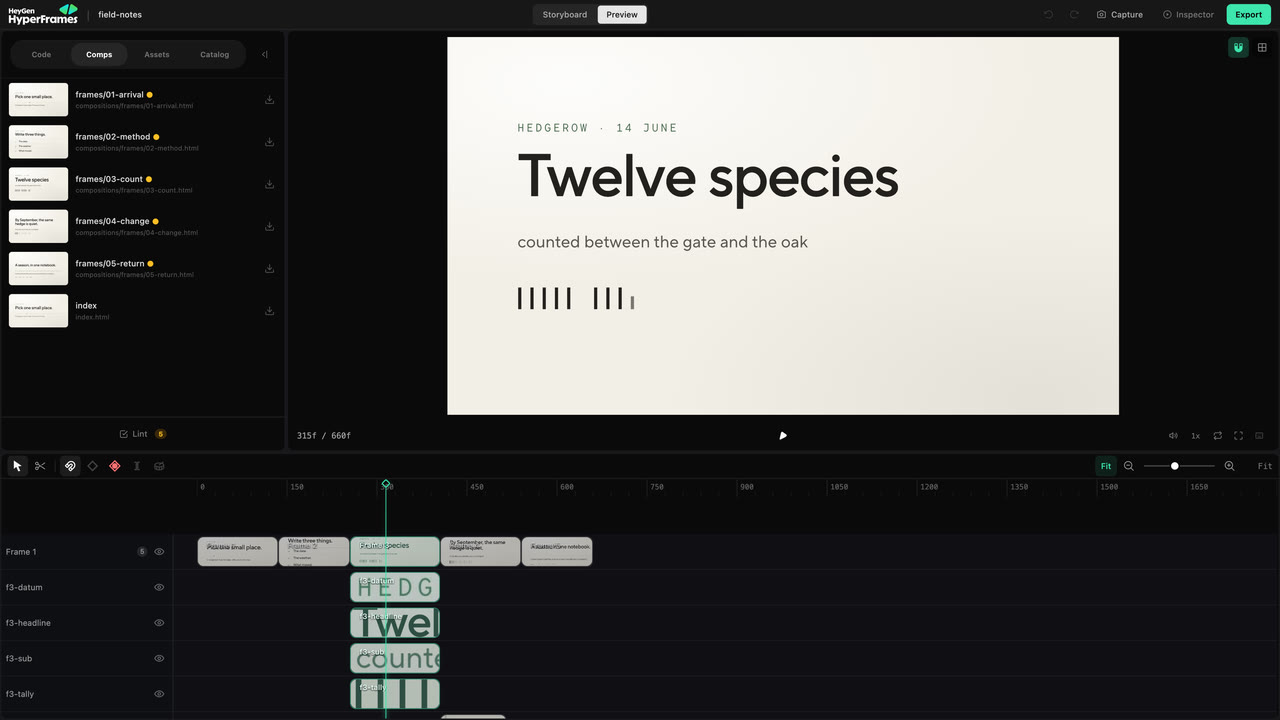
HyperFrames turns HTML, CSS, media, and seekable animations into MP4. A composition is an HTML file with data attributes. There is no proprietary timeline format to import. The docs describe Studio as the visual editor for the same project the agent and the CLI already use. Open a project folder and run npx hyperframes preview. The agent edits index.html or files in compositions/. Studio updates from those files. There is no export step between them. [3] [4]
Because the timeline and composition share their source files, a frame comment can identify the exact visual change to make. The documentation recommends Studio for changes to a visible element and the agent for changes to the story, multiple scenes or project structure. Ask agent and Copy to Agent transfer the editing context for broader requests. [3] [4]
The quickstart on GitHub says the short path is to install the skills (npx skills add heygen-com/hyperframes, or npx hyperframes skills update if the plugin is already there) and ask the agent for the video. Claude’s plugin route is /hyperframes. [3] [4]
What “free” covers
The follow-up post says the Studio app is completely free. The site offers a macOS download and describes Studio as the video editor built for agents, made by the team that open-sourced HyperFrames. The same day’s release notes, v0.8.134, add Studio app pages for Mac and Linux. [6]
The framework is distributed under Apache 2.0, as stated in its official repository. The open-source license permits commercial use under its terms and does not impose per-render fees. [7]
Free does not mean every adjacent service is free. The quickstart says HyperFrames is free and open-source, and local rendering does not use HeyGen credits. A coding agent, and any hosted voice, avatar, or generated-media service, can still bill on its own. The editor is the part with no listed price. [3] [4]
What the demo is, and what it is not
The launch video runs for about 80 seconds and shows the editing timeline. The documented workspace includes a central preview, timeline, inspector, project files and render controls. The docs instruct users to review the full composition, run Lint and check the project before delivery. The launch video is a demonstration; the documentation provides the workflow details. [3] [4]
Frequently asked questions
Is HyperFrames Studio a HeyGen plan?
No. HeyGen open-sourced the framework. Studio is the editor for that framework. Local rendering does not spend HeyGen credits. [3] [4]
Is it only a macOS app?
The product site leads with a macOS download. The 5 October release notes also add Studio app pages for Linux. The CLI and the browser preview do not require the desktop app. [1] [2]
Does the agent replace the timeline?
No. The agent writes the project. You and the agent then edit the same timeline. A pointed change stays in Studio. A story change goes back to the agent. [3] [4]